Tap for businesses
How does it work for you as a business?
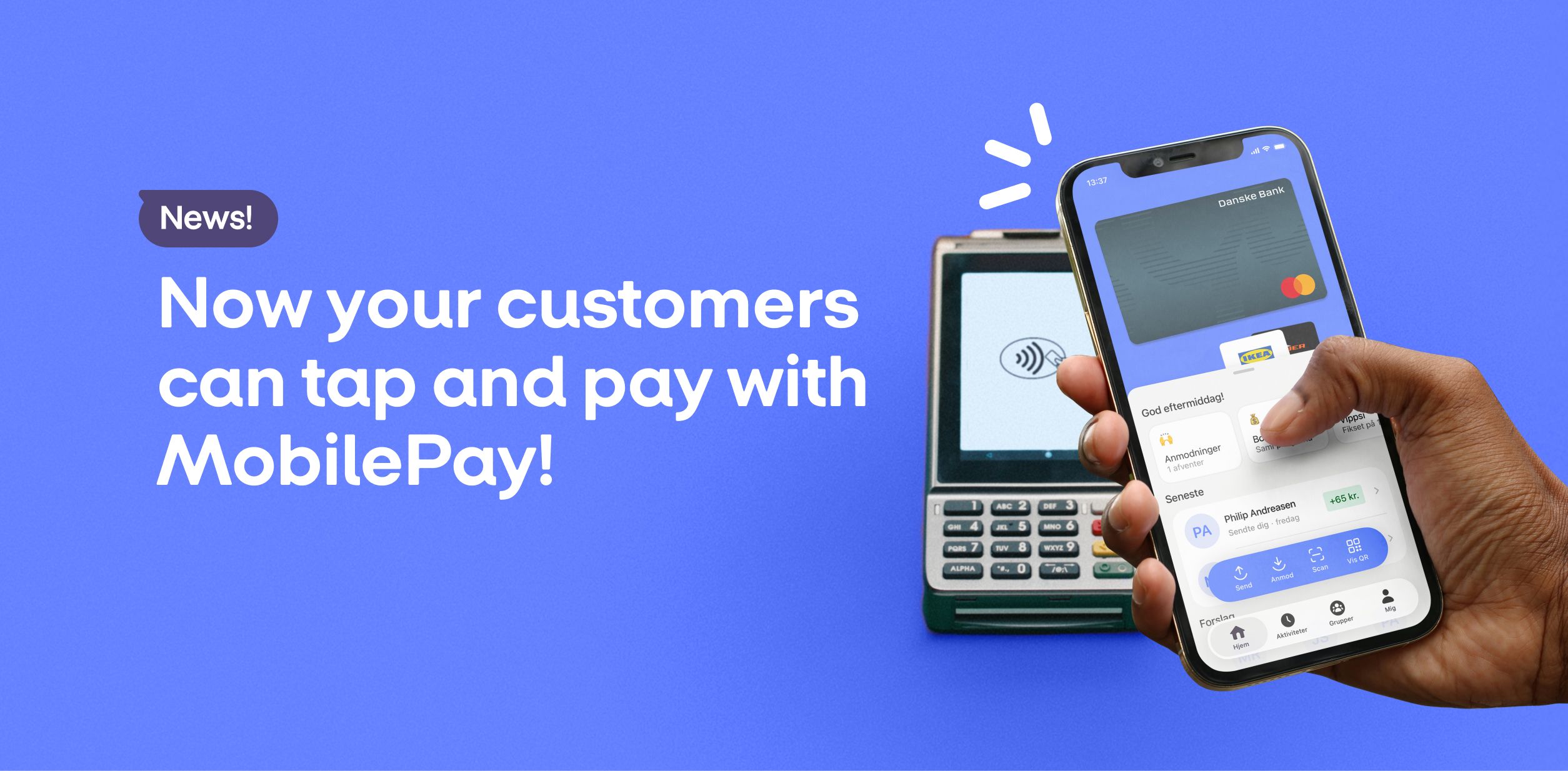
 Exactly like a regular card payment! You don’t need to do anything – contactless payments with MobilePay work the same way as other mobile wallets.
- MobilePay is the “digital wallet”, but the actual payment is made via the customer’s payment card. In other words, you get the same low price as with a standard card payment.
How it works for your customers
Customers first need to activate contactless payments in MobilePay.
Luckily, it’s super easy.
Voilà! Your customers can now pay contactless with MobilePay on card terminals all over the world.
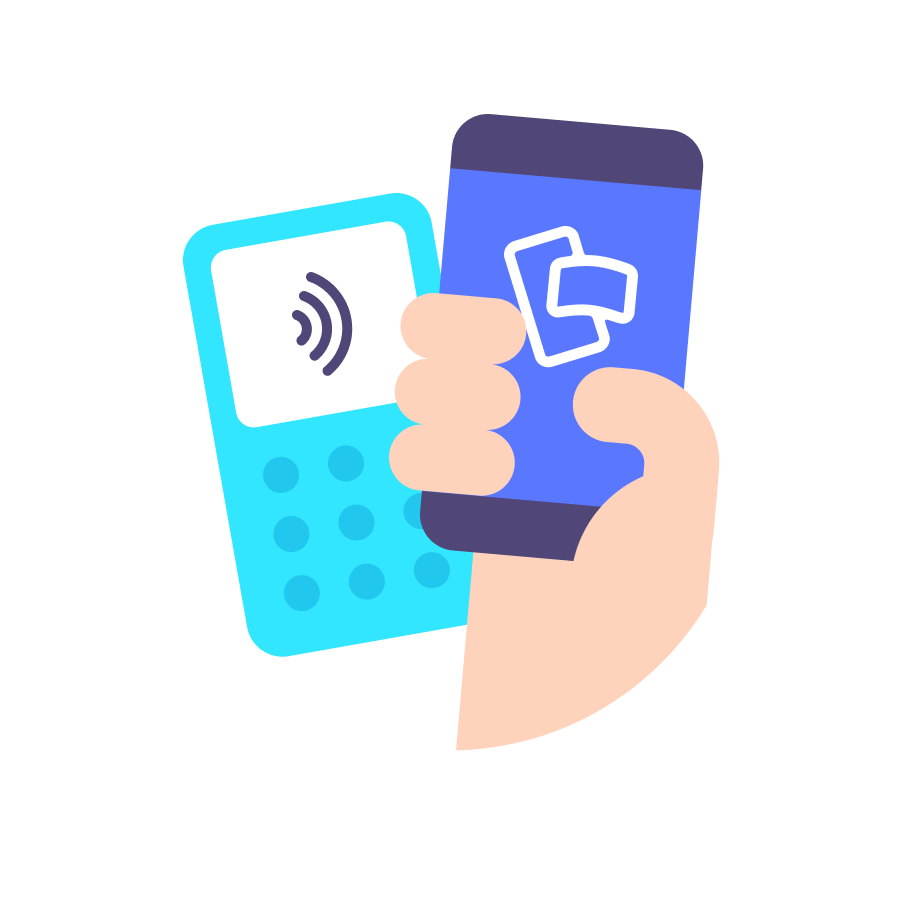
They simply hold their phone near your terminal and pay with a double tap on the side of the phone… at least if they’ve set MobilePay as their default app for contactless payments 🎉
MobilePay makes contactless payments incredibly easy:
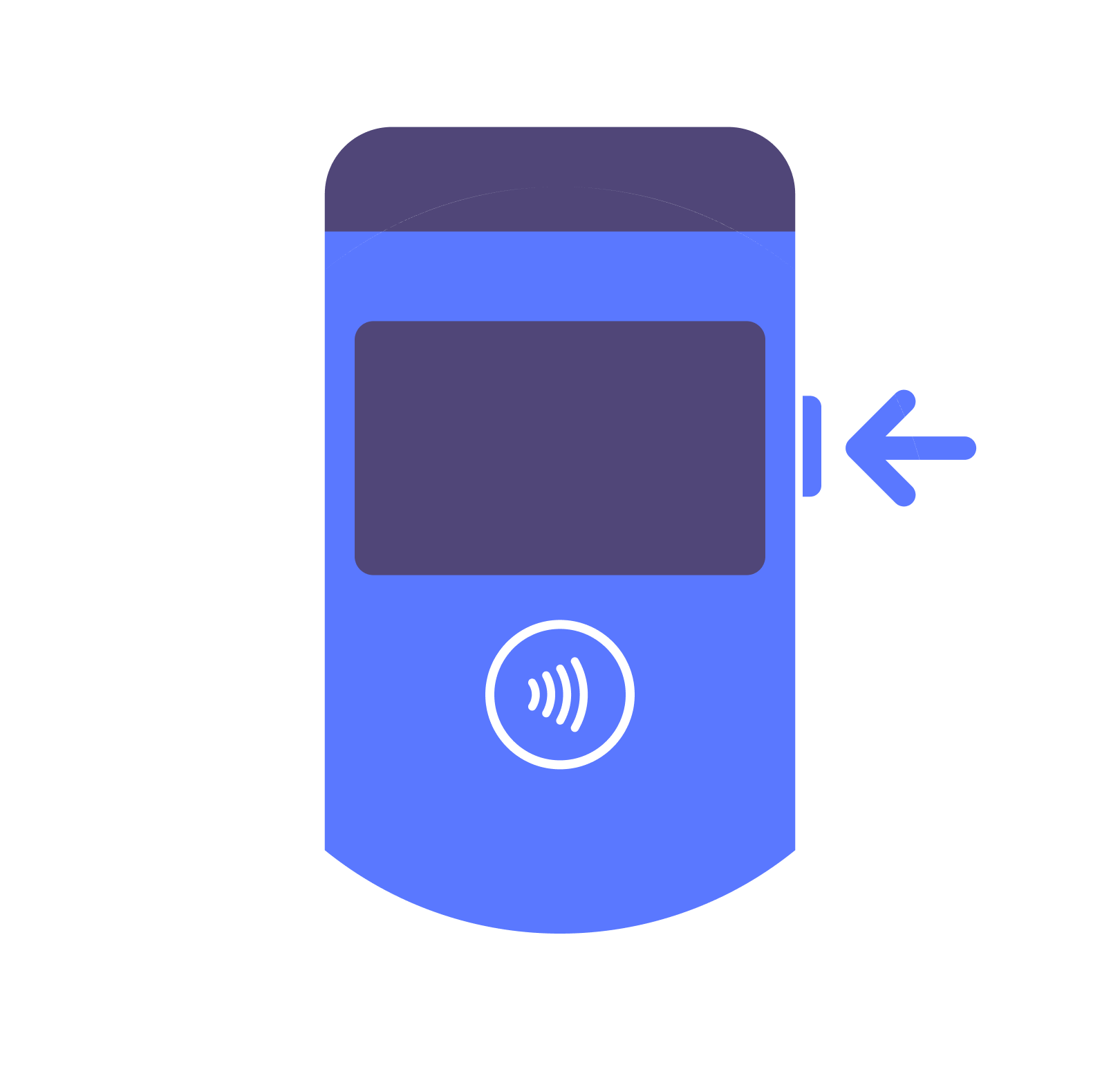
iPhone: Double tap the side button. Unlock the phone. Pay!
Android: Unlock the phone. Pay!